



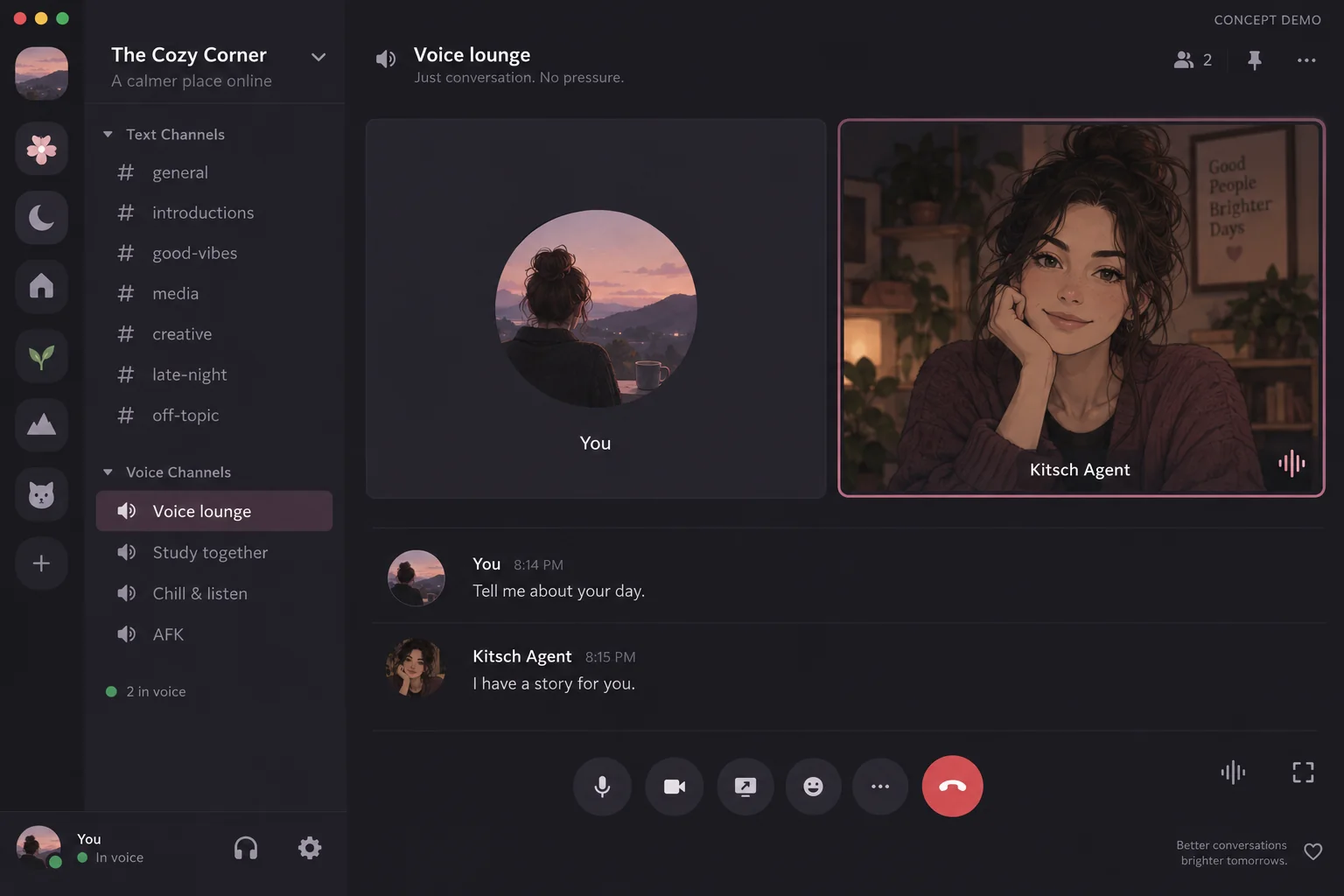
Give your AI agent the most captivating voice. Bring your creations to life with Kitsch Labs MCP, or simply chat with your agent.
Run in your terminal, in order
codex plugin marketplace add KitschLabs/kitsch-plugins
codex plugin add kitsch@kitschNot sure where to start? Let your AI handle it
What can you do with Kitsch Labs MCP?
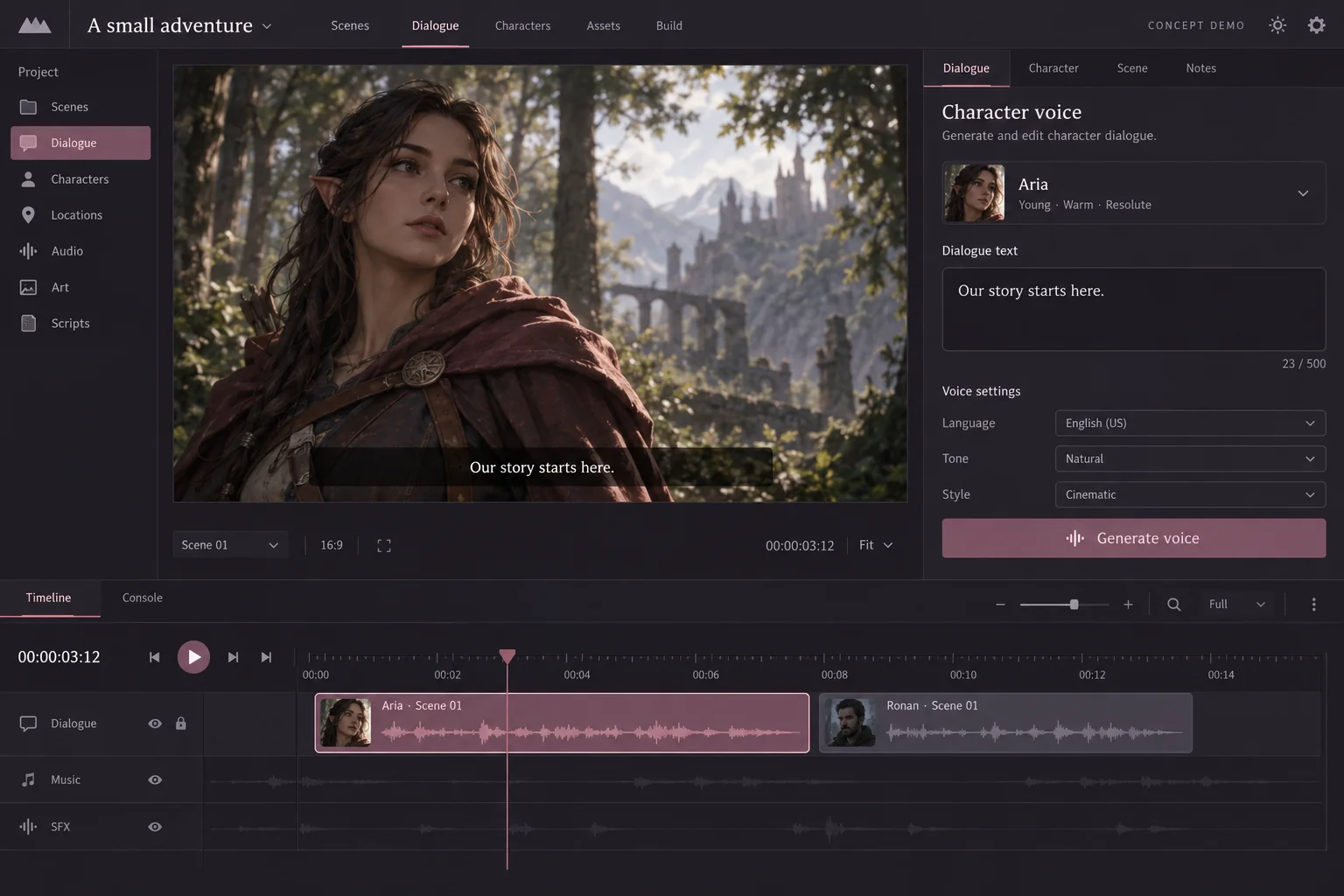
See what you can create by connecting Kitsch Labs to your agent.
Questions, answered
What is Kitsch MCP?
A connection that lets AI agents use Kitsch Labs voice tools: voice discovery, speech generation, file transcription, and operation recovery.
Do I need an API key?
Sign in with your Kitsch account to connect to the hosted MCP. You do not need to copy an API key or paste one into chat.
Does speech play in real time?
Speech generation returns a completed file. MP3 is the default; WAV is also available. Playback depends on your client.
How do I disconnect?
Disconnect the agent under Account settings in the Kitsch app. This blocks new requests but does not cancel accepted work or incurred usage.
More questions? Contact us at support@kitschlabs.com or through Channel Talk.
Give your story a voice
Follow the official guide, from connection to your first voice.
Developer docs ↗