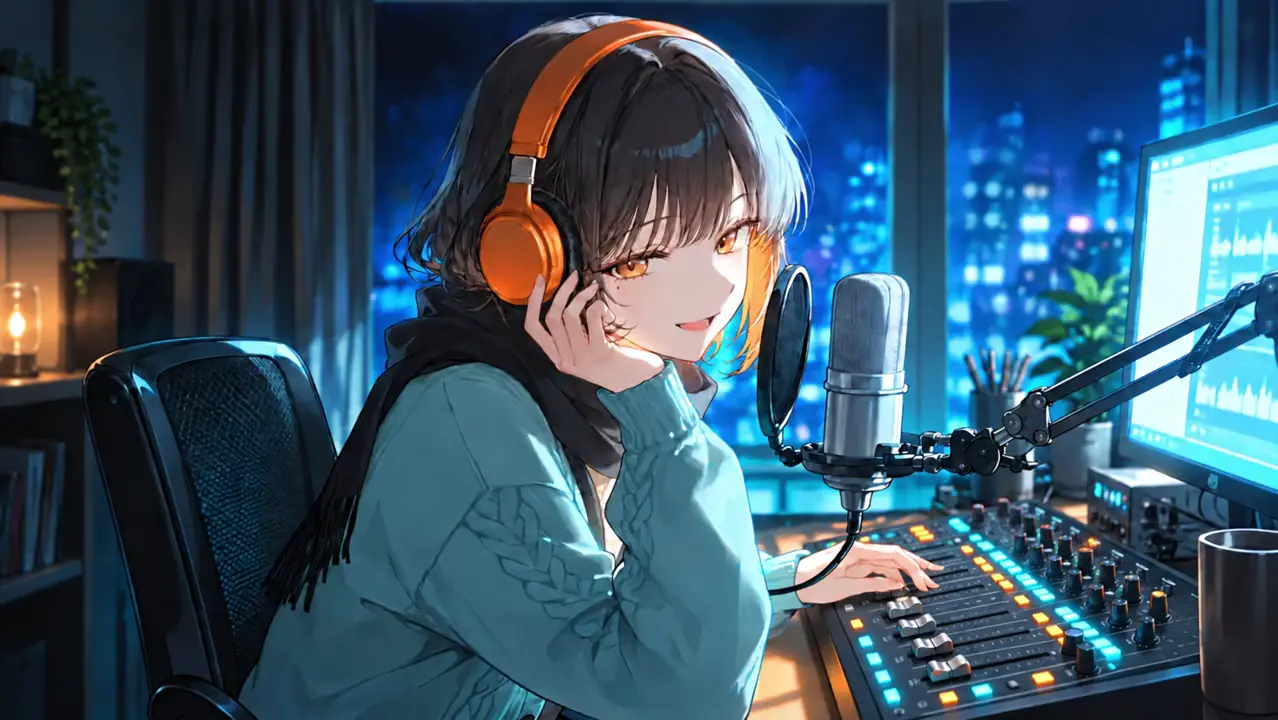
A voice that fits your character
The same line can create a different scene through delivery and emotion. Choose a voice that suits your character’s personality and relationships to enrich your story.
Read the character voice guide
Choose a voice that suits your character and write dialogue to create captivating AI speech. With voice IP created by Kitsch Labs and professional voice actors, you can make animations and give your agent a voice.
By generating speech, you agree to Kitsch Labs’ Terms of Service and Privacy Policy and confirm that you are at least 18 years old.
AI voices are used in animation, game dubbing, character chat, voice agents, and more. Beyond speech clarity, character fit, variety, and response speed are important measures of an AI voice.
Kitsch Labs creates AI voices for subculture characters with professional voice actors and delivers them with response times under one second. Generated speech reflects natural emotion, with voices suited to a wide range of characters. Connect Kitsch Labs directly to your service or AI agent using the Kitsch Labs API or MCP.

From dubbing animation and games to AI dubbing for web dramas, bring your dialogue to life with Kitsch Labs AI character voices. Create high-quality dubbing in one second using AI voices crafted in detail for subculture characters. With the API, you can also easily voice games with ever-changing dialogue, including character chat.
Try creatingUse the Kitsch Labs API and MCP to easily give a voice to character chat or your own chatbot agent, such as OpenClaw. Hear the latest news in your favorite voice every day, or try calling your agent directly!
Connect a voice

Kitsch Labs TTS is created with voice actors from the character planning stage to provide AI voices best suited to subculture characters. Voice actors receive compensation equivalent to 20% of revenue, and we respect their rights and comply with regulations in each country. Use the best character TTS without licensing worries!
Create AI voices with professional voice actorsChoose a voice that suits your character and scene. Compare speaking styles through previews and check support for your chosen language.
Enter your character’s dialogue. Start with short sentences and use punctuation to shape the flow and pauses.
Once your voice and script are ready, click Generate to turn your dialogue into the selected character’s AI voice.
Listen to the result and check whether the pronunciation and delivery suit your scene. Refine the script or try another character, then generate again to compare.
Download the finished audio in the app. Add it to your video editor or game project and adjust the playback timing to fit the scene.
The same line can create a different scene through delivery and emotion. Choose a voice that suits your character’s personality and relationships to enrich your story.
Read the character voice guideWe build a character’s world along with their voice. Meet the four UNLISTED characters brought to life through Jihye Kim’s performances.
Read the voice actor collaboration storyBring voices you choose on the web into games and character chat. Use the API to browse voices, generate your first line, and receive streaming audio.
Get started with the TTS APIYes. Choose a character voice on the web and enter your dialogue to generate speech. Catalog voices require no recording of your own or dedicated recording equipment.
Generate dialogue separately for each character and scene. Add the audio to your video editor or game project, then adjust dialogue timing, pauses, and balance with background audio. Match lip movements and shot lengths during editing.
You can generate dialogue for multiple scenes with the same voice. Assign a voice to each character and use the same voice ID for API requests. Check delivery and pronunciation with actual dialogue for each scene.
Compare samples with your character’s personality, relationships, and emotions in mind. Trying the same short line with several voices makes differences in delivery and atmosphere easier to hear. Voice detail pages also show actor information and language support.
Language support varies by voice. Check the languages and samples on the voice detail page, then prepare a script in a supported language. Script translation and speech generation are separate steps.
The Free plan permits non-commercial use only. Paid plans support commercial use without attribution, subject to each voice’s terms. Check your plan and the voice’s usage terms before using audio in monetized videos or games for sale.
Yes. Use the Kitsch Labs API to generate speech whenever new dialogue is available and connect streaming responses to your service’s playback flow. You can also connect voice tools to AI agents through MCP. Actual response times depend on dialogue length, network conditions, and playback setup.
Voice cloning lets you create new dialogue with your own voice or a voice you have permission to use. Obtain the rights holder’s consent before using someone else’s voice, and check pronunciation and delivery with representative lines.
Sign up and receive free usage every month.