

Dub animation and games with Kitsch Labs
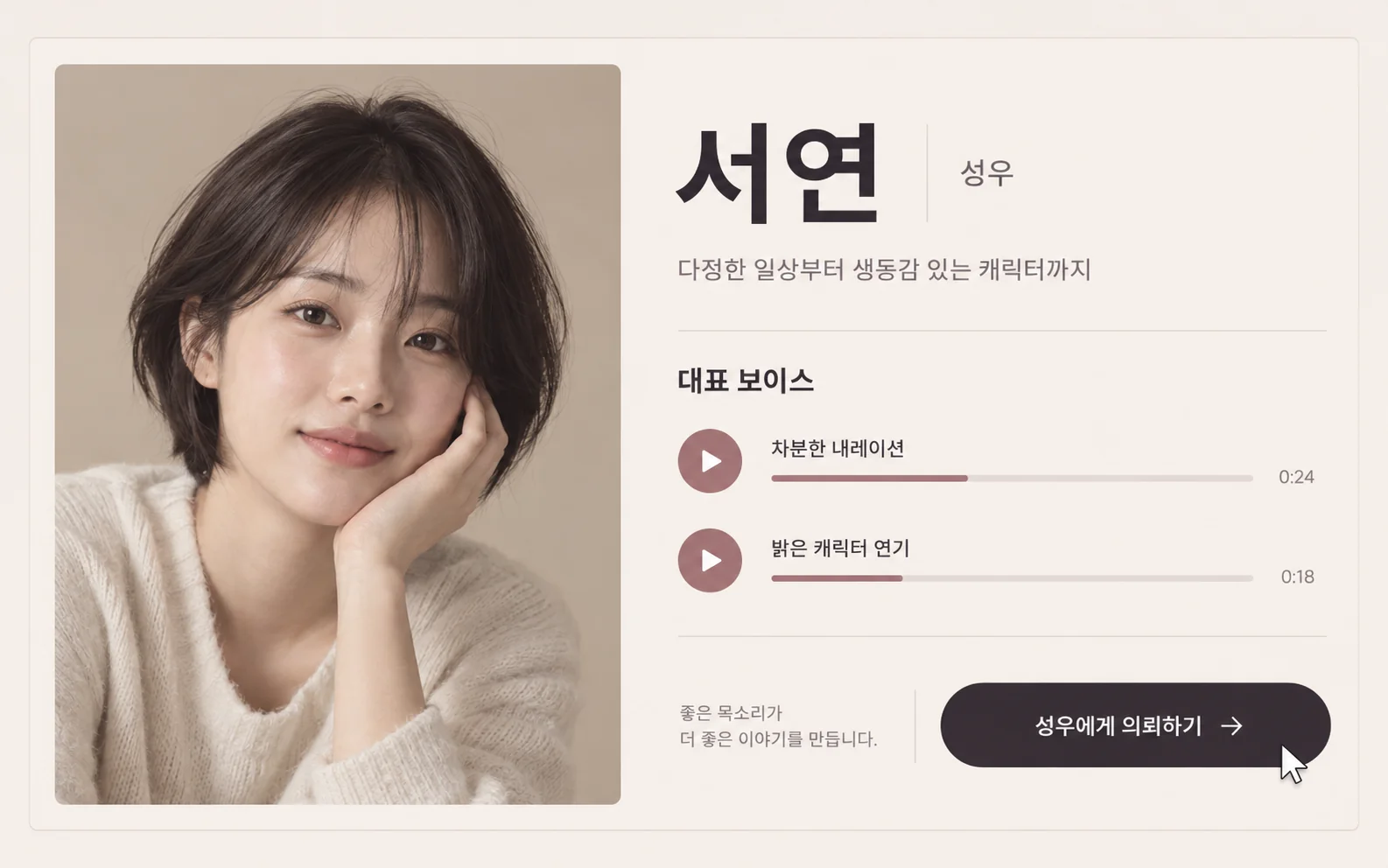
Give short animations, game cutscenes, and character introductions a voice. Explore character voices created with voice actors, generate Korean or Japanese dialogue on the web, and edit the audio to fit your scene.
Korean and Japanese TTS for character worlds
Create dialogue with voices suited to animation and games. Check supported languages and samples to compare delivery and emotion.

Use existing IP with natural voice cloning
Clone a voice you have permission to use and create new lines for a familiar character.
Try voice cloning
From AI drafts to voice actor commissions
Check dialogue and timing with AI audio, then commission a voice actor for the final performance. Find actor information on voice profiles and prepare your script and performance direction.
Listen to character voices


Give your characters a voice
Choose a voice for your story and bring your first scene to life.
Get startedFrequently asked questions
Can I create both Korean and Japanese dubbing?
You can generate Korean and Japanese dialogue. Language support can vary by voice, so listen to a sample in your target language on the voice profile first.
Can I start character dubbing without recording my own voice?
Catalog voices let you start without making a recording. Choose a voice that fits your character, enter the dialogue, and listen to the generated audio in the context of your scene.
Can I create new lines in an existing character's voice?
Voice cloning lets you try new lines in a familiar voice. Prepare your own recording or audio you have permission to use, then check pronunciation and delivery with a short line first.
What should I prepare when sharing an AI draft with a voice actor?
Prepare the script, character background, scene context, and performance direction. Use the AI draft as a reference for dialogue length and timing, and discuss the final performance with the actor.
How do I add the generated audio to a video or game?
Download the audio and import it into your video editor or game development tool. Organize files by character and scene, then check line timing, pauses, and the volume balance with background sound.
Does it automatically synchronize lip movements?
This page covers turning written dialogue into speech. Check lip movements and shot duration during video editing.
How do I distinguish several characters?
Assign a voice to each character and compare their lines in the same scene. Listen to generated results to check pronunciation, delivery, and duration.